

QAMF Indicators#
Dashboard of Indicators#
On the homepage, click
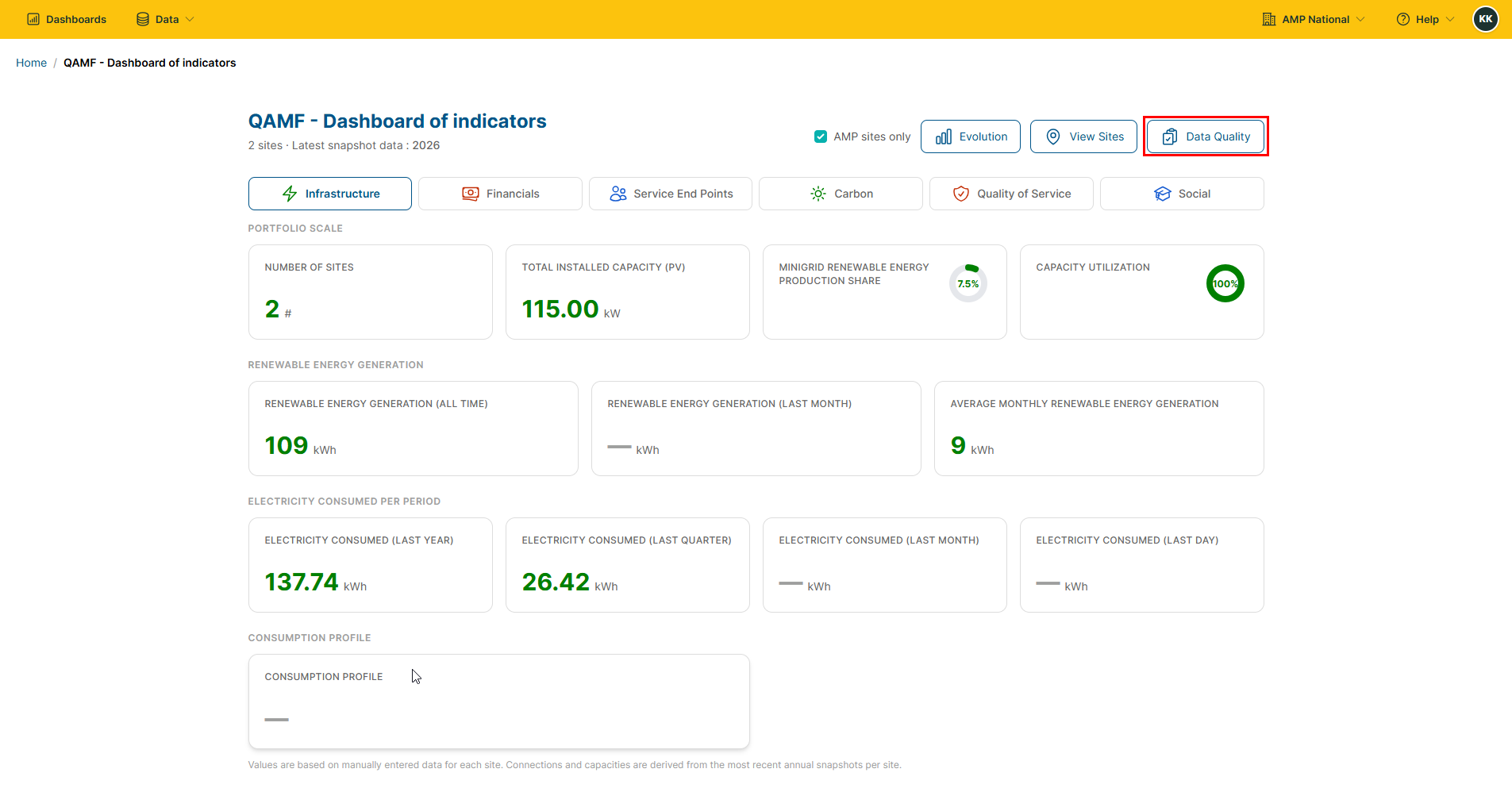
QAMF Indicatorsto open the QAMF Dashboard of Indicators.

Toggle the QAMF categories, to see the different details across each category.
Indicators Evolution#
On the homepage, click
QAMF Indicatorsto open the QAMF Dashboard of Indicators.
Click the
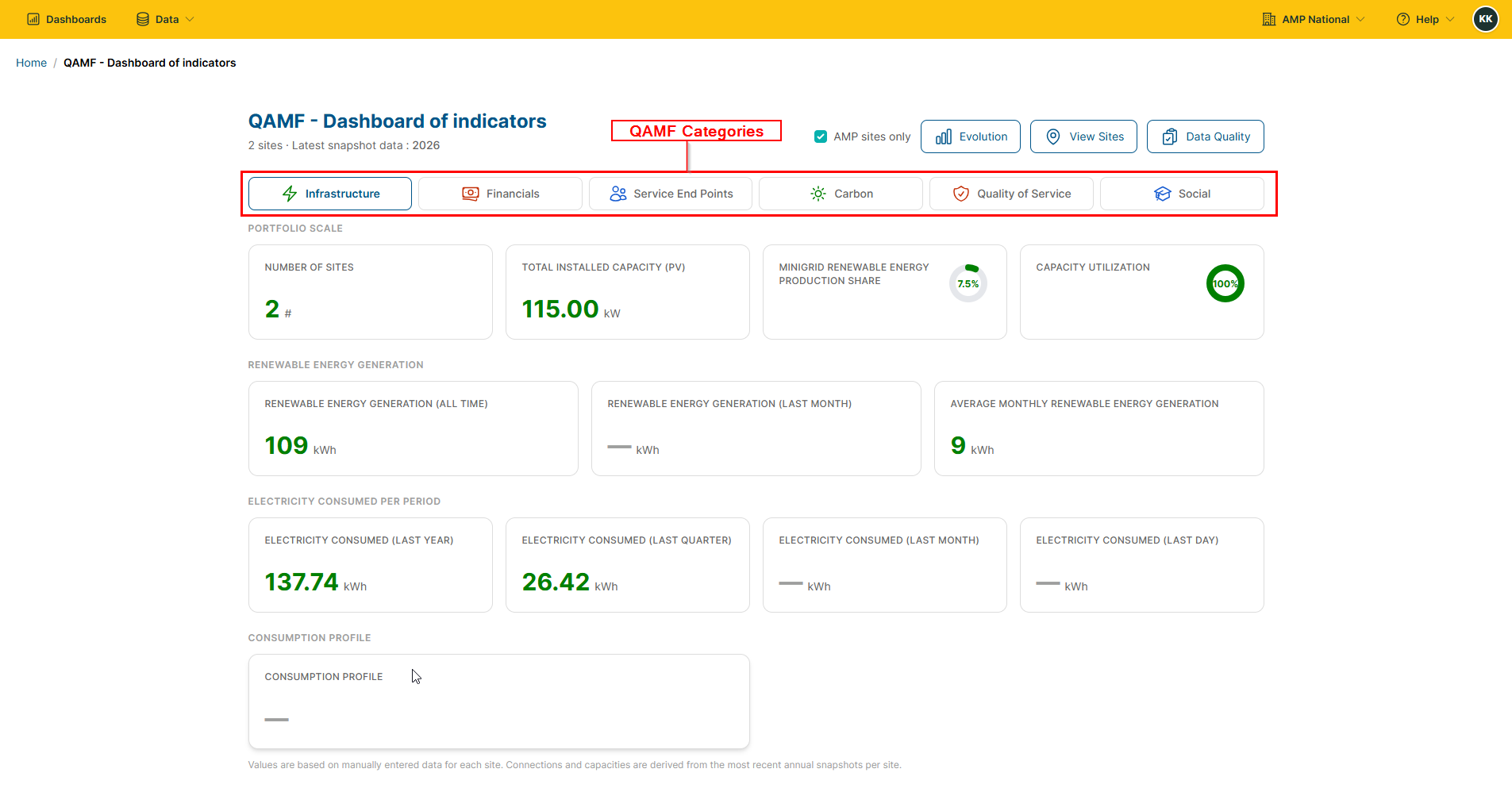
Evolutionbutton to open the indicators evolution.
Viewing Sites#
On the homepage, click
QAMF Indicatorsto open the QAMF Dashboard of Indicators.
Click the
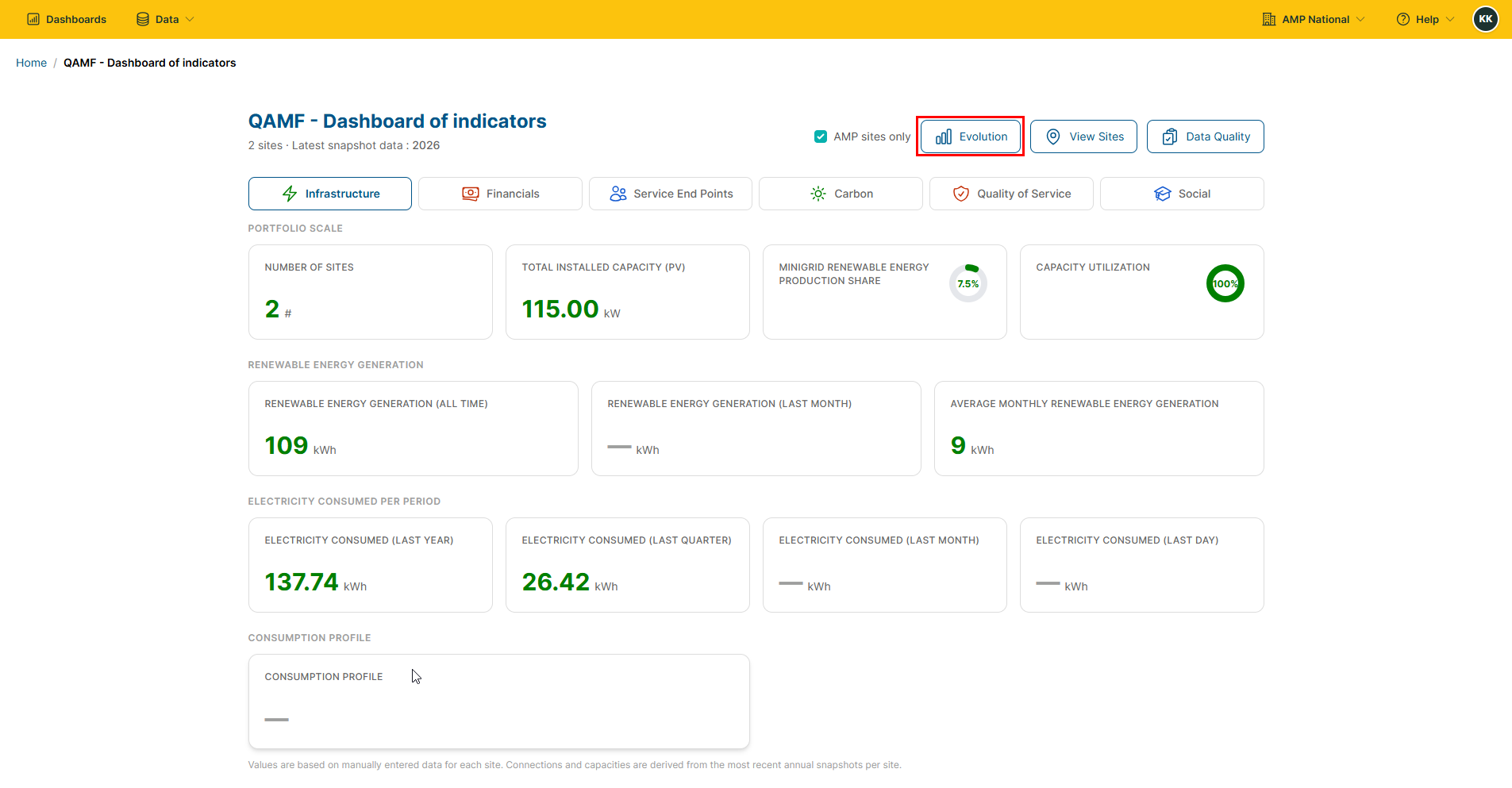
View Sitesbutton to open the sites page.
Data Quality#
On the homepage, click
QAMF Indicatorsto open the QAMF Dashboard of Indicators.
Click the
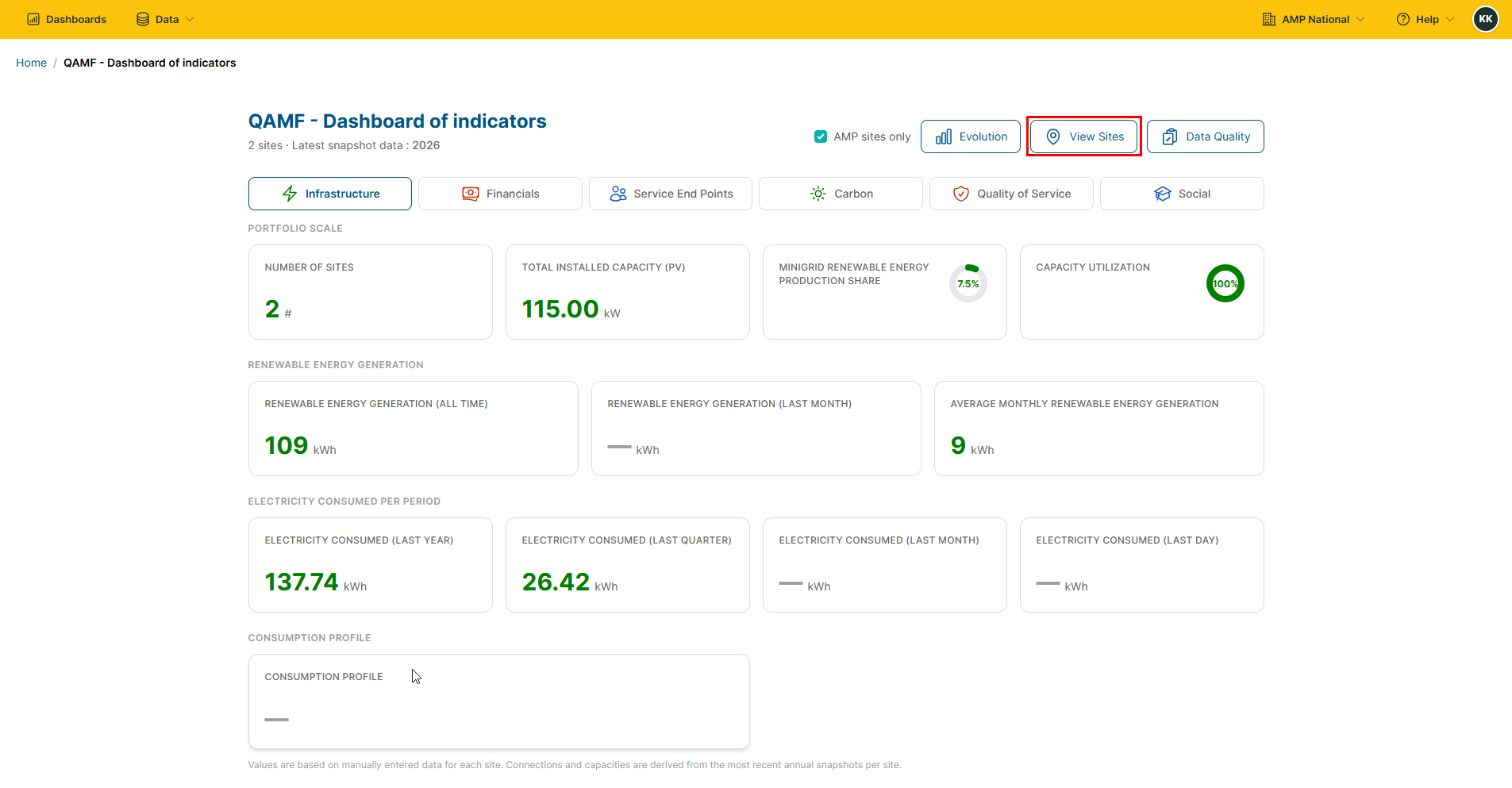
Data Qualitybutton the data quality associated with the different sites.